tinytap#


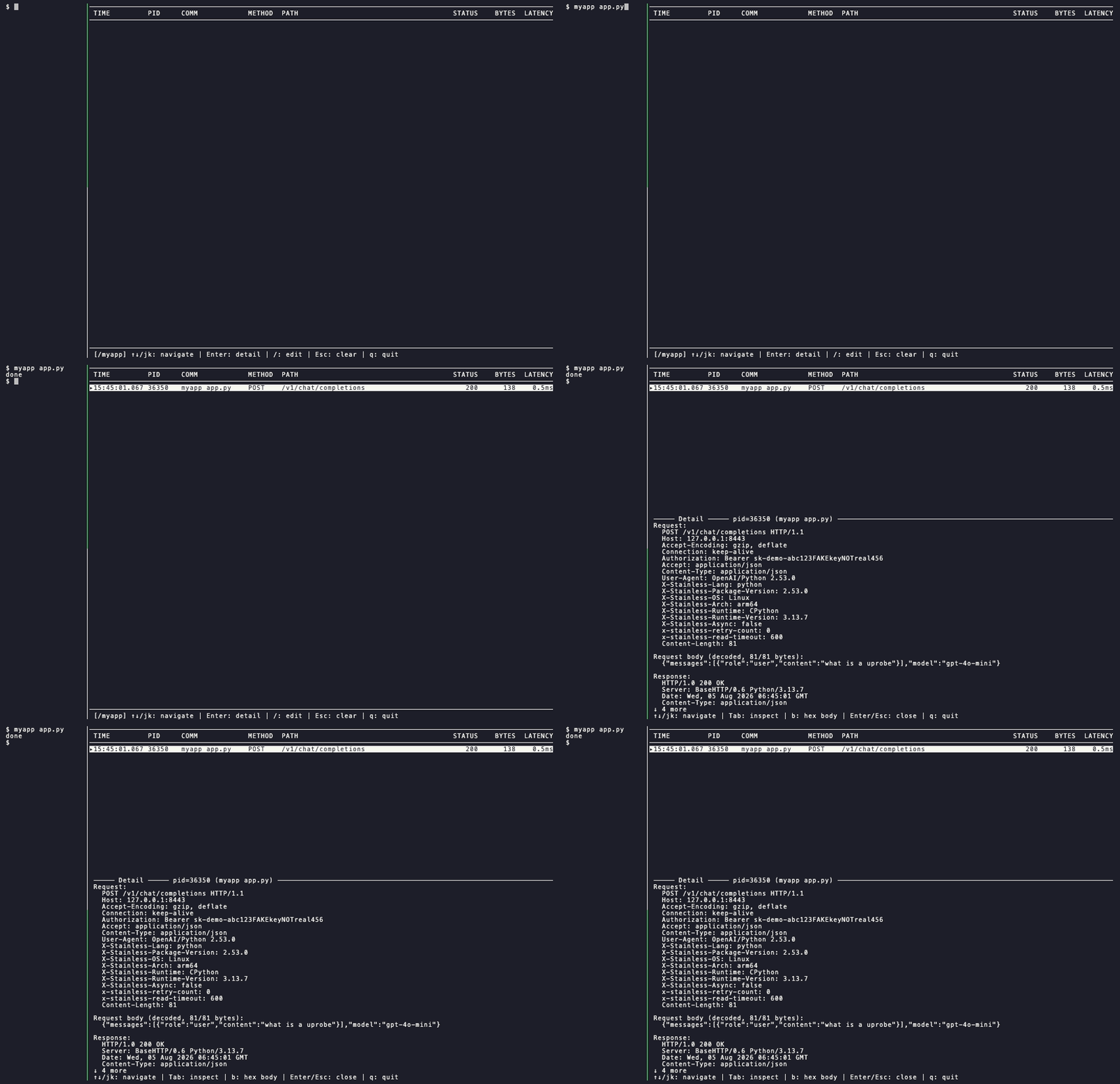
A tiny eBPF-based HTTP traffic capture tool for local development. See the exact request/response bytes an app sends (every header, the decoded body) in plaintext, with no proxy and no CA certificate installed.
curl -fsSL https://raw.githubusercontent.com/shinagawa-web/tinytap/main/scripts/install.sh | sh- See the exact bytes an app sends and receives (request line, every header, decoded body) live in a terminal UI
- Works on plaintext HTTP and TLS (via libssl uprobes), with no proxy, no CA certificate, and no code changes
- Runs without full root: grant three Linux capabilities instead of
sudo
Why#
Debugging HTTP traffic usually means a MITM proxy: install a CA certificate, point the app at the proxy, hope nothing breaks in the process. tinytap skips all of that. It attaches eBPF probes directly to the kernel syscalls a process already makes, so it sees the same bytes the process does, with nothing sitting in between and nothing to configure on the app’s side.
Goal: see what your app actually sent, not what a proxy reconstructed.
Features#
Live TUI or line-oriented
stdoutoutput, request paired with response automaticallyTLS capture via libssl uprobes: no proxy, no CA certificate
Runs without full root: three Linux capabilities instead of
sudoSingle static binary, no runtime dependencies
Sees traffic from containerized processes too: no sidecar, no install-inside-the-container
What’s planned next:
- Container-aware attribution (mapping a PID to the container it belongs to)
- HTTP/2 and gRPC support